Compare PDF Files Online
View two PDF versions side by side and spot every difference instantly. Upload both documents, navigate the pages together, and review changes at a glance.
Compare two PDF files
Upload the original and the revised version. View both documents side by side and spot every difference.

See exactly what changed between versions
Whether you are reviewing a revised contract, checking that editorial corrections were applied, or auditing a policy update — UPBIP Compare PDF puts both versions in front of you so nothing slips through.
Explore all PDF toolsWho uses Compare PDF
Contract and legal document review
Lawyers, paralegals, and procurement teams compare contract drafts to spot clause changes, added conditions, or deleted terms between negotiation rounds.
Academic paper and thesis revisions
Researchers and students compare supervisor-marked versions against originals to see exactly which sections were edited, reworded, or cut.
Policy and compliance documents
Compliance officers and HR teams compare updated policy documents against previous versions to track what changed and confirm that correct revisions were made.
Publishing and editorial workflows
Editors and proofreaders use PDF compare to check a revised proof against the original marked-up draft, ensuring all corrections were applied correctly.
Side-by-side view
Both PDF versions are displayed together so you can scroll through them simultaneously and compare content without switching tabs.
Works on any PDF
Compare contracts, reports, proposals, academic papers, policy documents, or any PDF — there are no restrictions on document type or content.
Private and browser-based
Both documents are rendered locally in your browser. Your PDFs never leave your device or get sent to any server.
UPBIP Tool Spotlight
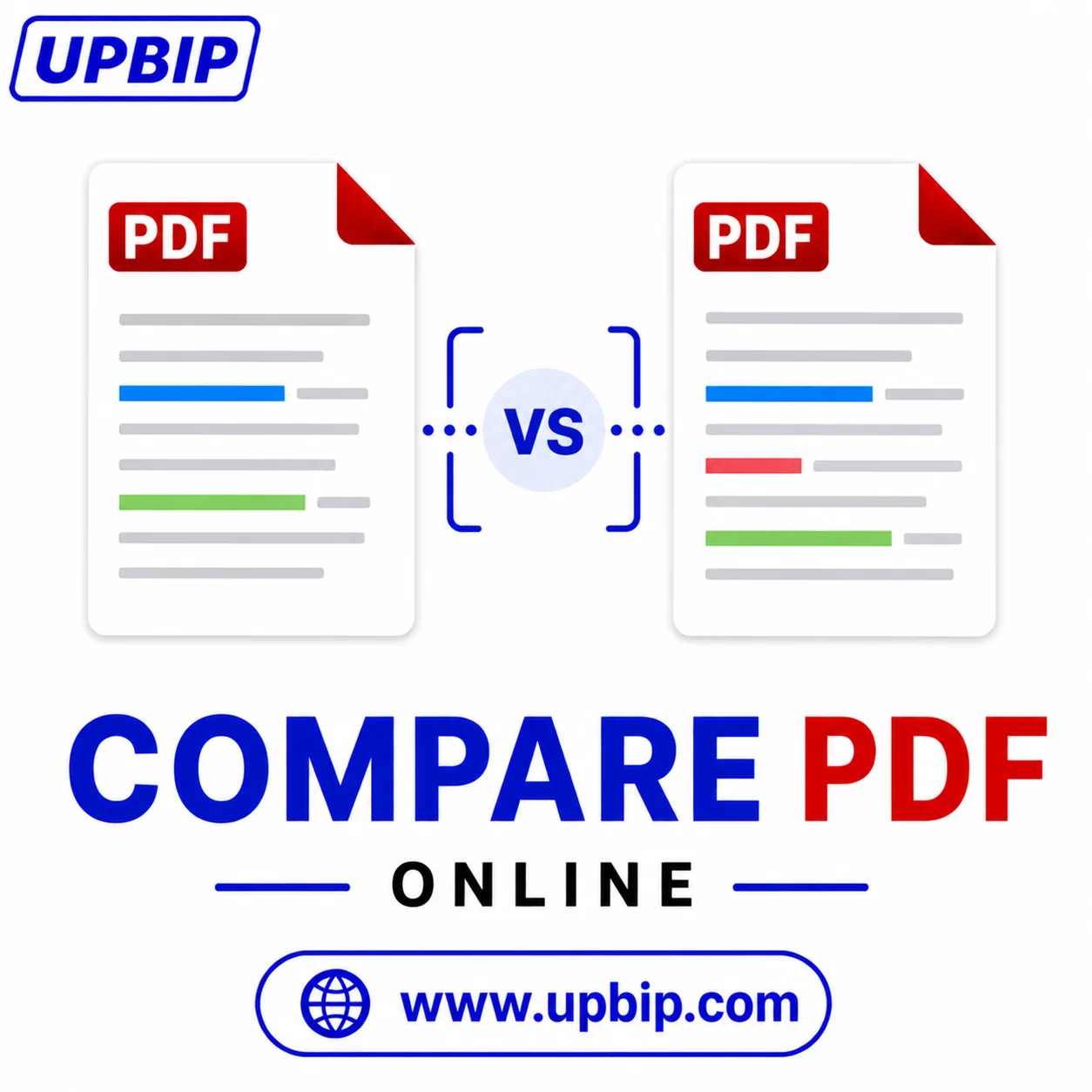
See exactly what changed between two PDFs.
Upload an original and a revised PDF — UPBIP Compare PDF shows you the differences page by page so nothing slips through unnoticed. Essential for contract reviews, document approvals, and version control.
Compare PDFs now →FAQ
Common questions
How do I compare two PDF files online?+
Upload the original and the revised PDF. The tool displays both documents side by side so you can scroll through and identify differences visually.
Do I need to install software to compare PDFs?+
No. The comparison runs in your browser. You can compare PDFs on Windows, Mac, Chromebook, and mobile devices without installing any desktop software.
What types of differences can I find with PDF Compare?+
You can identify text changes, added or removed pages, layout shifts, and content edits between two versions of the same document.
Is my PDF uploaded to a server during comparison?+
No. Both PDFs are loaded and displayed in your browser. Your documents are never sent to any server or seen by anyone else.
Can I compare long documents with many pages?+
Yes. The tool handles multi-page documents and lets you navigate through pages in both files to review differences section by section.
What are common reasons to compare PDF documents?+
Reviewing contract edits, checking policy updates, verifying that a corrected proof matches editorial instructions, and auditing document revisions in regulated industries.
Can I compare PDFs that have different page counts?+
Yes. The tool loads both files independently, so you can compare documents even if one version has pages added or removed relative to the other.
Is Compare PDF useful for teams working on shared documents?+
Yes. Teammates can use it to review changes before accepting a final version, check that the right edits were applied, and flag anything that looks incorrect.
Related Tools — Continue your workflow