Merge PDF Files Online
Combine multiple PDF files into one. Upload, arrange the order, and download your merged PDF in seconds.
Select PDF files
Upload two or more PDFs, arrange them in order, and download one merged PDF.
01
Upload PDFs
02
Arrange order
03
Download merged

Do you work with clients, suppliers, or employees abroad?
With UPBIP you get access to the most complete online PDF toolkit — merge, compress, convert, edit, and sign documents from anywhere, on any device, with no software needed.
Try UPBIPWho uses Merge PDF
Work and client delivery
Freelancers, agencies, consultants, and operations teams often merge proposals, scopes, invoices, contracts, and appendices into one PDF before sending a final version.
Applications and official paperwork
Students, job seekers, and applicants merge transcripts, certificates, resumes, passports, ID scans, and supporting records into one file for portals and email submissions.
Scanned records and archive cleanup
If you scan paperwork in pieces, merge PDF helps turn separate scans into one cleaner file for storage, review, or handoff.
Teams working across countries
People use merge PDF every day for invoices in the United States, tenancy files in the United Kingdom, immigration paperwork in Canada, school records in India, reports in Germany, filings in France, and compliance files in Australia.
Browser-based
No software to install. Works on Mac, Windows, iPhone, Android.
Start in seconds
Open the tool, add your PDFs, and finish the merge without a long setup flow.
Private & secure
Files are processed in your browser. Nothing stored on our servers.
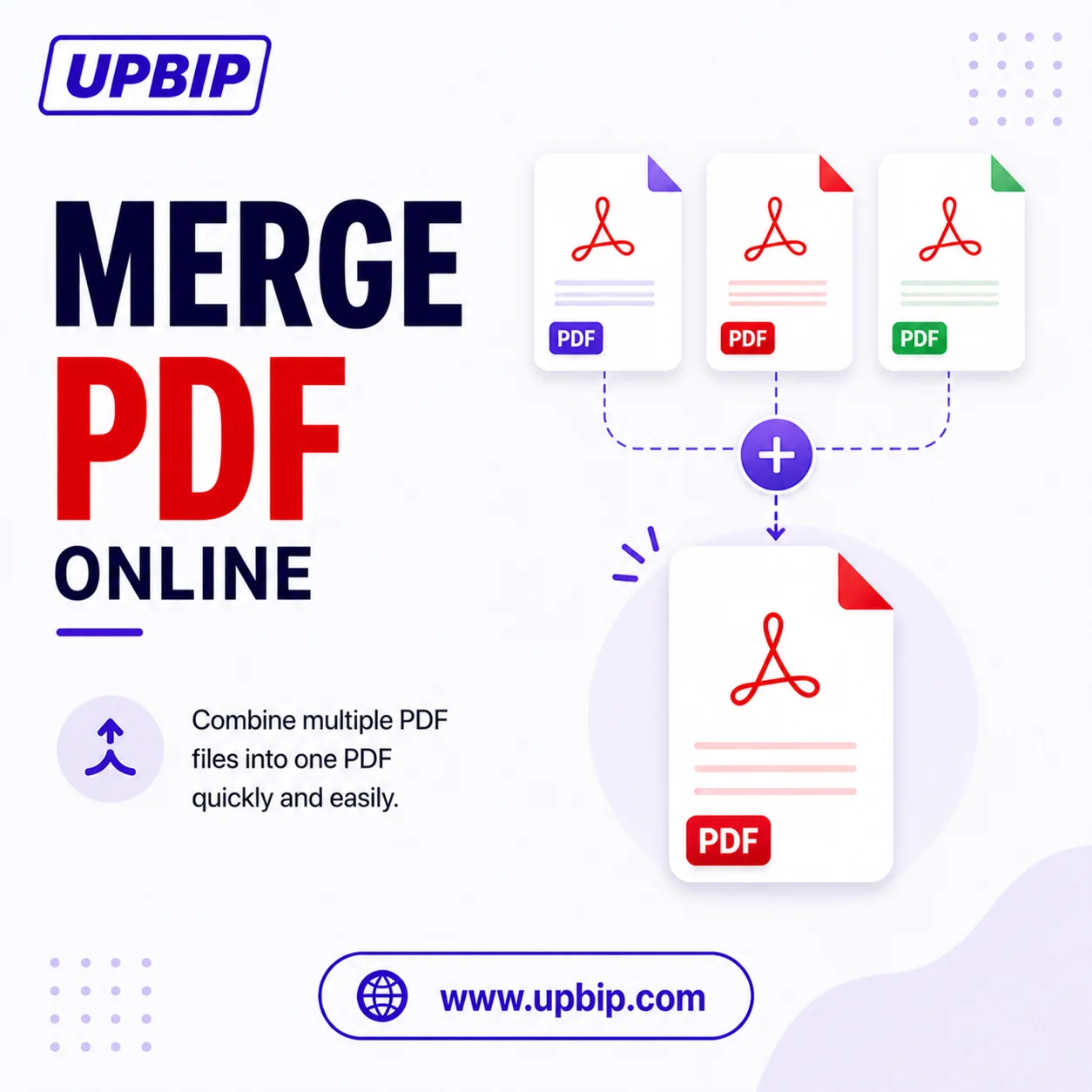
UPBIP Tool Spotlight
All your PDFs. One document.
Sending multiple PDFs separately creates confusion and slows down reviews. UPBIP Merge PDF combines all your files into one clean document in seconds — directly in your browser, with no software to install and nothing stored on a server.
Merge PDFs now →FAQ
Common questions
How do I merge PDF files online?+
Upload the PDF files, arrange them in the order you want, click Merge PDF, and download the combined PDF. UPBIP is designed to make that workflow simple on desktop and mobile browsers.
Can I change the order before I merge the PDFs?+
Yes. Reordering is part of the workflow. You can drag PDFs into a new sequence or move them up and down before creating the final merged file.
Do I need to install software to combine PDF files?+
No. UPBIP is browser-based, so you can merge PDF files online without installing desktop software just to do a one-off document task.
Related Tools — Continue your workflow