Redact PDF Online
Permanently remove sensitive text, numbers, and images from any PDF. Draw redaction boxes, apply, and download a clean document that is safe to share.
Redact sensitive content from a PDF
Upload a PDF, draw boxes over the content you want removed, apply redactions, and download a safe document ready to share.

Protect sensitive data before you share
Whether you are preparing legal disclosures, sharing medical records, releasing public documents, or sending contracts to third parties — UPBIP Redact PDF permanently removes the content that should not be seen.
Explore all PDF toolsWho uses Redact PDF
Legal and compliance documents
Law firms, compliance teams, and legal departments redact confidential client names, case references, financial figures, and privileged information before disclosing documents.
Medical and healthcare records
Healthcare providers redact patient names, dates of birth, ID numbers, and diagnosis details from records shared externally or used in research and training.
Government and public records
Public agencies redact personally identifiable information, security details, and exempt content from records released under freedom of information requests.
Business contracts and proposals
Companies redact pricing, partner names, proprietary terms, and strategic data from contracts and proposals before sharing them with third parties or making them public.
Permanent removal
Redactions actually delete the underlying content. Unlike a black box drawn on top, the original text or image is gone permanently from the output file.
Multi-page redaction
Mark redaction areas on any page or all pages in one session. Apply everything at once and download a single clean, redacted document.
Private and browser-based
Sensitive documents never leave your device. All redaction processing happens locally in your browser with no server upload.
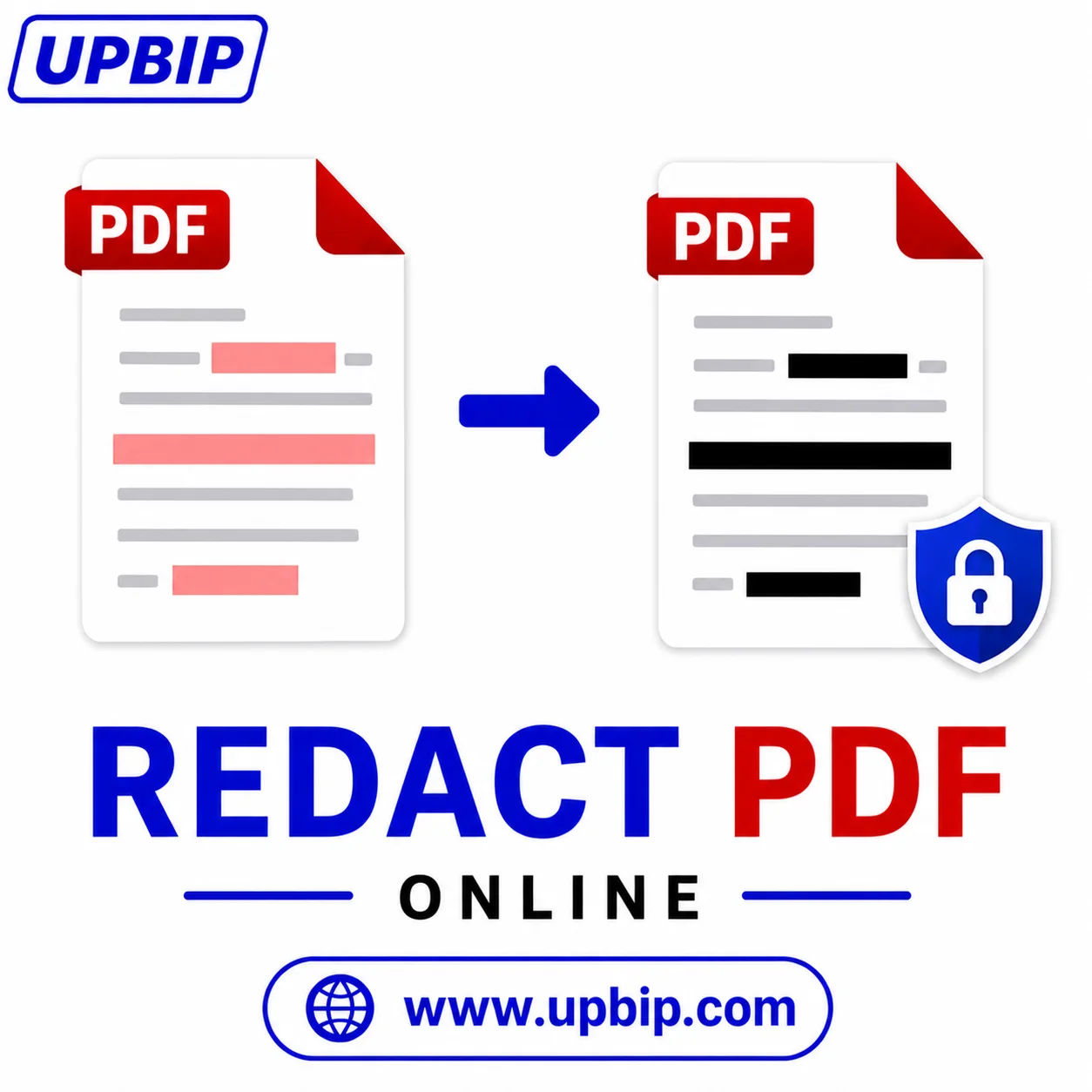
UPBIP Tool Spotlight
Hide what shouldn't be seen. Permanently.
Names, account numbers, addresses, and confidential clauses — UPBIP Redact PDF lets you draw over sensitive content and burn it out permanently before sharing. The redacted content cannot be recovered or copied.
Redact a PDF now →FAQ
Common questions
How do I redact a PDF online?+
Upload your PDF, draw redaction boxes over the content you want removed, click Apply Redactions, and download the secure redacted file.
Is PDF redaction the same as blacking out text?+
No. True redaction permanently removes the underlying content. Simply drawing a black shape over text still leaves the original text in the file. UPBIP Redact PDF removes the content permanently.
Can the redacted content be recovered after I apply redactions?+
No. Once redactions are applied and you download the file, the content under the redaction boxes is permanently gone and cannot be recovered.
Do I need to install software to redact a PDF?+
No. The tool runs in your browser. You can redact PDFs on Windows, Mac, Chromebook, iPhone, and Android without installing any software.
Is my PDF sent to a server during redaction?+
No. All redaction processing happens locally in your browser. Your document is never uploaded to any server or seen by anyone else.
Can I redact content on multiple pages in one session?+
Yes. Navigate through the pages, mark redaction areas on each page as needed, and apply all redactions in a single step before downloading the result.
What types of content can be redacted?+
You can redact any visible content — names, addresses, ID numbers, financial figures, dates, signatures, images, and any other sensitive information displayed on the page.
What industries use PDF redaction regularly?+
Legal, healthcare, government, finance, insurance, and corporate compliance teams all use PDF redaction as a standard part of document workflows involving sensitive data.
Related Tools — Continue your workflow