Split PDF Online
Extract pages, split by range, or separate every page into individual files. Upload, choose a split method, and download your results in seconds.
Select a PDF to split
Upload a PDF, choose to split every page, enter a range, or select specific pages, then download your files.

Extract exactly the pages you need
Whether you are pulling out one chapter, preparing separate files for a submission, or breaking apart a batch scan — UPBIP Split PDF gives you full control over every page in your document.
Explore all PDF toolsWho uses Split PDF
Extracting key pages from a report
Pull out the executive summary, specific chapters, or appendices from a long report and share just what the recipient needs without sending the full document.
Preparing legal and official submissions
Many portals ask for individual forms, ID scans, and supporting documents as separate files. Split a merged submission back into the required individual PDFs.
Breaking up scanned multi-document files
When a scanner produces one long PDF containing multiple documents, split it into clean separate files for archiving, sharing, or further editing.
Academic and student workflows
Students and researchers often extract specific chapters, reading selections, or data tables from textbooks and papers to share with study groups or annotate separately.
Three split methods
Split every page into individual files, use custom page ranges like 1-3 or 5-9, or click pages to select exactly what to extract.
Visual page selection
Every page renders as a thumbnail so you can see what you are extracting before you click Split PDF.
Private and browser-based
All splitting happens in your browser using local JavaScript. Your PDF is never uploaded to any server.
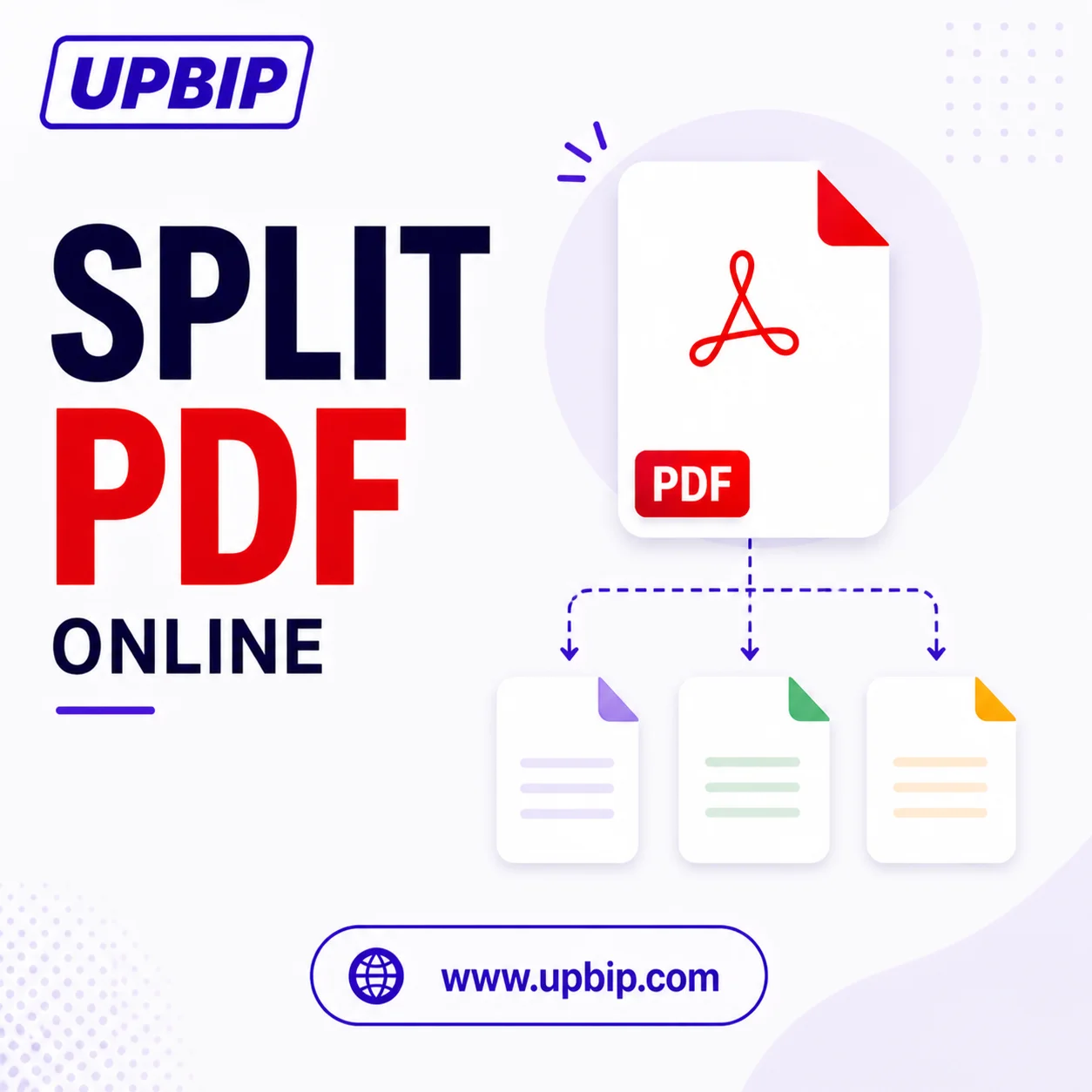
UPBIP Tool Spotlight
One PDF in. Multiple files out.
Need just one chapter, one section, or one page from a large PDF? UPBIP Split PDF breaks any document into separate files directly in your browser — no software, no sign-up, and nothing stored on a server. Upload once, choose your split, download what you need.
Split a PDF now →FAQ
Common questions
How do I split a PDF into multiple files?+
Upload your PDF, choose a split method — every page, custom page ranges, or individual page selection — then click Split PDF to download a ZIP of all the output files.
Can I split only specific pages from a PDF?+
Yes. Use the range mode to enter ranges like 1-3, 5, 8-10 or use the select mode to click the exact pages you want to extract.
Do I need to install software to split a PDF?+
No. UPBIP Split PDF runs entirely in your browser. You can split PDF files on Windows, Mac, Chromebook, iPhone, and Android without installing anything.
What happens when I split every page?+
Each page becomes its own individual PDF file. All files are packaged into a single ZIP archive that you download and extract on your device.
Is my PDF sent to any server?+
No. All processing happens locally in your browser using JavaScript and the PDF libraries. Your file is never uploaded to any server or seen by anyone else.
Can I split large PDFs with many pages?+
Yes. The tool handles multi-page PDFs well. Larger files may take a little longer to render thumbnails, but the split itself is typically very fast.
What is the output format?+
Each output is a standard PDF file. If the split produces more than one file, they are packaged together in a ZIP archive for a single download.
What are common reasons people split PDFs?+
Extracting chapters, separating invoices, breaking up scanned records, isolating pages for a submission, and sharing only the relevant section of a document with a colleague or client.
Related Tools — Continue your workflow